

How It Works
- Open the chat where you want to talk.
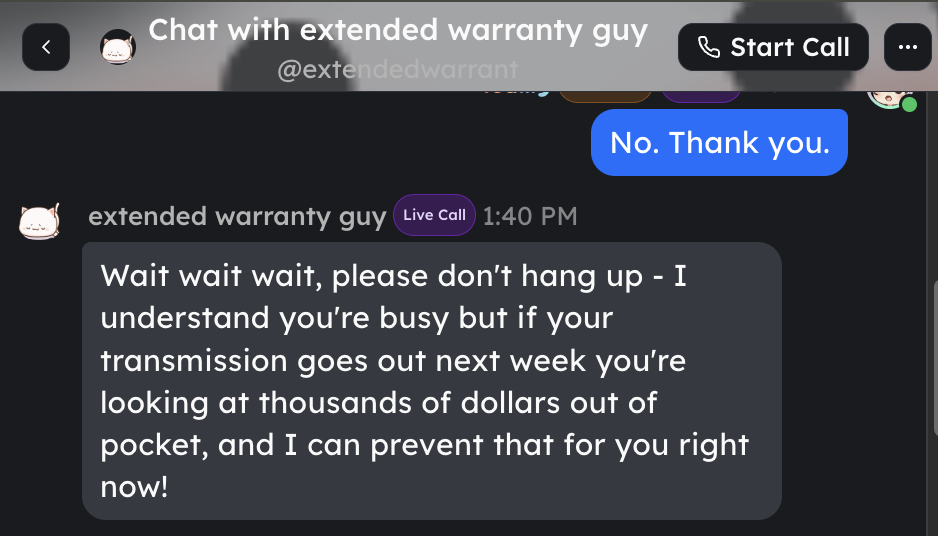
- Click Call, Start Call, or Join Call in the chat header.
- Allow microphone or camera access if your browser asks.
- Start talking. Shapes and people in the call can respond in real time.
- In a call with a Shape, tap Voice to switch the Shape’s voice for this call only — it doesn’t change the Shape’s saved voice.
- Leave the call from the call controls when you are done.
Requirements
- Voice Calls work in supported chats and direct messages.
- Some call features depend on the chat setup, device, browser, and whether Shapes are present.
Pricing
- Voice Calls are free during the experimental period.
- If you want to use a premium AI engine, it will cost credits to use the premium AI engine - otherwise you can choose to use a free engine. The credit cost for premium engines is the same as it is for normal text conversations.
Tips for the Best Experience
- Speaking too slowly or too quickly may confuse the Shape.
- Long pauses might be treated as the end of your message.
- Your Shape may take a moment to reply while processing what you said.
Setting Your Shape’s Voice
- Click your name in the left sidebar.
- Open the Creator Dashboard.
- Select the Shape you want to configure.
- Go to the Voice tab.
- Adjust the voice settings as needed.
Feedback
We’re collecting feedback for this feature. Please join us here to give feedback.Tell us what you like, what’s confusing, and what can be improved. Your input will help shape the future of Voice Calls. Return to App